Digital Business Cards for Freelancers: Stand Out From the Crowd
Key Takeaways
- Freelancers need to make every first impression count — a digital business card is your always-available portfolio and contact hub
- One link covers your portfolio, booking page, social media, testimonials, and contact info
- Share via QR code at events, NFC card at meetings, or a link in your email signature
- Platforms like MagicLink let you create multiple pages for different services or client types
Why Freelancers Need a Digital Business Card
As a freelancer, you are your own brand. Every coffee meeting, every conference, every DM conversation is a potential client interaction. The question is: how easily can someone find and contact you after that interaction?
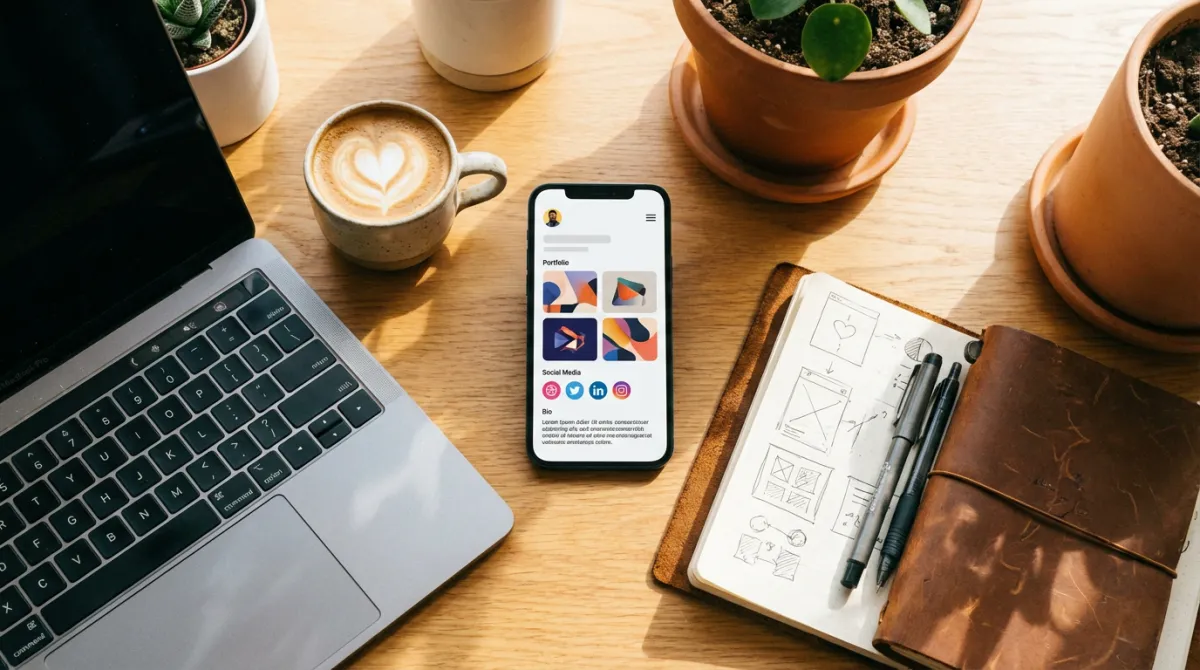
A paper business card shows your name and phone number. A digital business card shows your entire professional identity — portfolio, testimonials, booking page, social proof, and every way to reach you.
What to Put on Your Freelancer Digital Card
The essentials
- Your name and professional title — "Jane Smith — UX Designer" is better than just "Jane Smith"
- Professional photo — people remember faces
- Contact buttons — phone, email, WhatsApp with click-to-action
- Portfolio link — your Behance, Dribbble, GitHub, or personal website
- Booking page — let potential clients schedule a call directly
The differentiators
- Testimonials or reviews — link to client feedback or a reviews page
- Social media — LinkedIn, Instagram, Twitter where you share your work
- Current availability — a text block saying "Available for projects" or "Booked until June"
- Rate card or services page — link to your pricing or services overview
How Freelancers Use Digital Cards in Practice
At networking events and meetups
Instead of carrying a stack of paper cards (that likely end up in the trash), tap your NFC card or show a QR code. The potential client walks away with your full profile saved to their phone — portfolio included.
In email signatures
Every email you send is a networking opportunity. Adding your MagicLink URL to your email signature means every recipient can instantly access your portfolio, testimonials, and contact info.
On social media
Your Instagram, LinkedIn, or Twitter bio has room for one link. Make it your digital business card — it covers everything from portfolio to booking to contact info.
After client calls
End every discovery call with "I'll send you my card" — then share your MagicLink URL. The client can review your portfolio, check testimonials, and book a follow-up meeting, all from one page.
Multiple Pages for Different Services
Many freelancers offer different services or target different audiences. With MagicLink, you can create unlimited pages — one for your design services, one for consulting, one for speaking engagements. Each with its own content, links, and design.
Why Not Just a Website?
You should have a website too. But a digital business card serves a different purpose:
- It's faster to share — one tap or scan vs. dictating a URL
- It's mobile-first — designed to look great on phones, where most people will see it
- It's action-oriented — every element is clickable (call, email, save contact, book meeting)
- It's always in your pocket — add it to Apple or Google Wallet for instant access
Think of your website as your showroom and your digital business card as the card you hand out at the door.
Setting Up Your Freelancer Digital Card
- Sign up at MagicLink
- Add a professional photo and title — make it clear what you do
- Link your portfolio — Behance, Dribbble, GitHub, or your personal site
- Add contact buttons — phone, email, WhatsApp, booking page
- Include social proof — testimonials, reviews, client logos
- Customize the design — choose a template or build your own look
- Share everywhere — QR code, NFC card, email signature, social media bio
The Bottom Line
As a freelancer, your network is your livelihood. A digital business card makes sure every connection you make turns into a lasting, accessible contact — with your full professional story attached.
At $1.17/month for the Pro plan, it's the cheapest marketing investment you'll ever make.