Paper Business Cards vs Digital Business Cards: Why It's Time to Switch
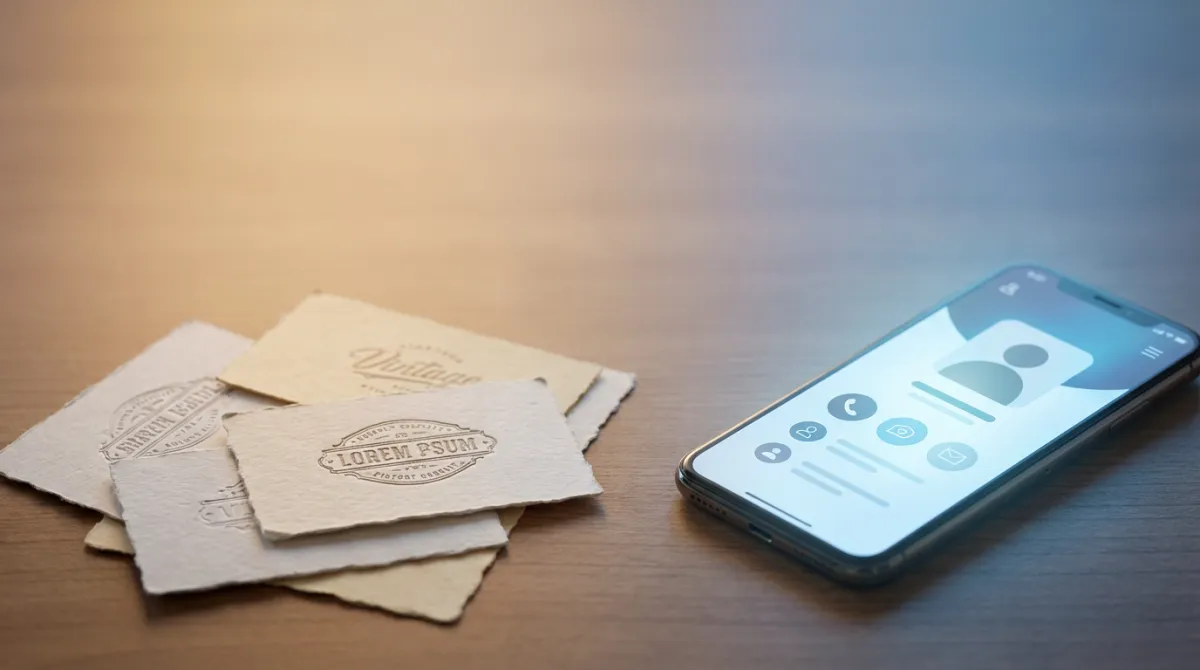
Key Takeaways
- 88% of paper business cards are thrown away within a week
- Digital business cards are always up-to-date, shareable via multiple channels, and trackable
- Switching to digital eliminates reprinting costs every time your info changes
- Platforms like MagicLink combine digital cards with NFC, Apple or Google Wallet cardes, and QR codes for maximum flexibility
The Problem with Paper Business Cards
Paper business cards have been around for centuries. They work — but barely. Here's what happens in practice:
- You meet someone at an event and exchange cards
- The card goes into a pocket, a drawer, or worse — the trash
- When your phone number or job title changes, hundreds of printed cards become useless
- You can't track whether anyone actually looked at your card
Studies show that 88% of paper business cards are discarded within one week. That's money, effort, and networking opportunities wasted.
What Digital Business Cards Do Better
A digital business card is an online profile page that contains your contact information, social links, and any content you want to share. Instead of handing someone a piece of paper, you share a link, QR code, NFC tap, or Apple or Google Wallet card.
Always up-to-date
Changed your phone number? New job title? Updated your LinkedIn? With a digital card, you update once and everyone who has your link sees the latest information. No reprinting. No redistributing.
Multiple ways to share
Paper cards have one sharing method: hand it over. Digital cards can be shared via:
- QR code — at events, on presentations, on printed materials
- Apple & Google Wallet — add your card to your phone's wallet, always accessible
- NFC cards — a physical card that opens your profile with a tap
- Direct link — send via email, messaging apps, or social media
- vCard download — recipients save your contact directly to their phone
Analytics and tracking
With a digital card, you know how many people viewed your profile, which links they clicked, and when. This is impossible with paper.
Environmentally friendly
The business card printing industry uses tons of paper and ink annually. A single digital profile replaces thousands of printed cards over its lifetime.
Cost Comparison
| Paper Cards | Digital Card (MagicLink) | |
|---|---|---|
| Initial setup | $30–100 for 500 cards | Free |
| Info changes | Reprint: $30–100 each time | Free update, instant |
| Annual cost (active networker) | $100–300+ | Free or low monthly fee |
| NFC card (optional) | N/A | One-time purchase |
| Analytics | Not possible | Pro plan |
For someone who networks actively, paper cards cost $100–300+ per year when you factor in reprints for every change. A digital card costs nothing to update.
"But I Like Having Something Physical"
This is the most common objection — and it's completely valid. There's something tangible and memorable about handing someone a physical card.
The good news: you don't have to choose. NFC business cards give you the physical experience with the digital benefits. An NFC card from MagicLink is a beautifully designed physical card (available in plastic, wood, or metal) that opens your digital profile when someone taps it with their phone.
You get the handshake moment of a physical card and the permanence, updateability, and trackability of a digital one.
When Paper Still Makes Sense
To be fair, there are situations where paper cards still work:
- Formal cultural contexts where physical cards are a sign of respect (e.g., some Asian business cultures)
- When you want to leave a card behind at a reception desk or bulletin board
- Quick handoffs where the recipient doesn't have their phone handy
Even in these cases, a hybrid approach works: carry a few NFC cards for physical exchanges, and use your digital profile for everything else.
How to Make the Switch
Switching to a digital business card takes minutes:
- Create your profile on a platform like MagicLink
- Add your information — name, photo, contact details, social links, and any content
- Choose how to share — generate a QR code, add to your wallet, or order NFC cards
- Start using it — share at your next meeting, event, or online interaction
You don't have to throw away your remaining paper cards. Use them up while you build your digital presence, then don't reprint.
The Bottom Line
Paper business cards served us well for decades, but they're a relic of a pre-digital world. Digital cards are cheaper, more flexible, always current, trackable, and better for the environment.
The question isn't whether to switch — it's when. And the answer is: now.