What Is a Link-in-Bio Page and Why Do You Need One?
Key Takeaways
- A link-in-bio page is a single page that houses all your important links, contact info, and content
- It solves the "one link" limitation on platforms like Instagram, TikTok, and LinkedIn
- Link-in-bio pages work for everyone — creators, professionals, businesses, and companies
- Modern platforms like MagicLink extend the concept into a full digital business card with Apple & Google Wallet cards, NFC cards, and contact saving
The One-Link Problem
Instagram gives you one clickable link in your profile. TikTok — the same. LinkedIn has limited space. Even your email signature can only fit so much.
But you have more than one thing to share: your website, your portfolio, your booking page, your phone number, your social media, your latest project, your company info.
A link-in-bio page solves this by giving you one URL that leads to a page with everything.
What Is a Link-in-Bio Page?
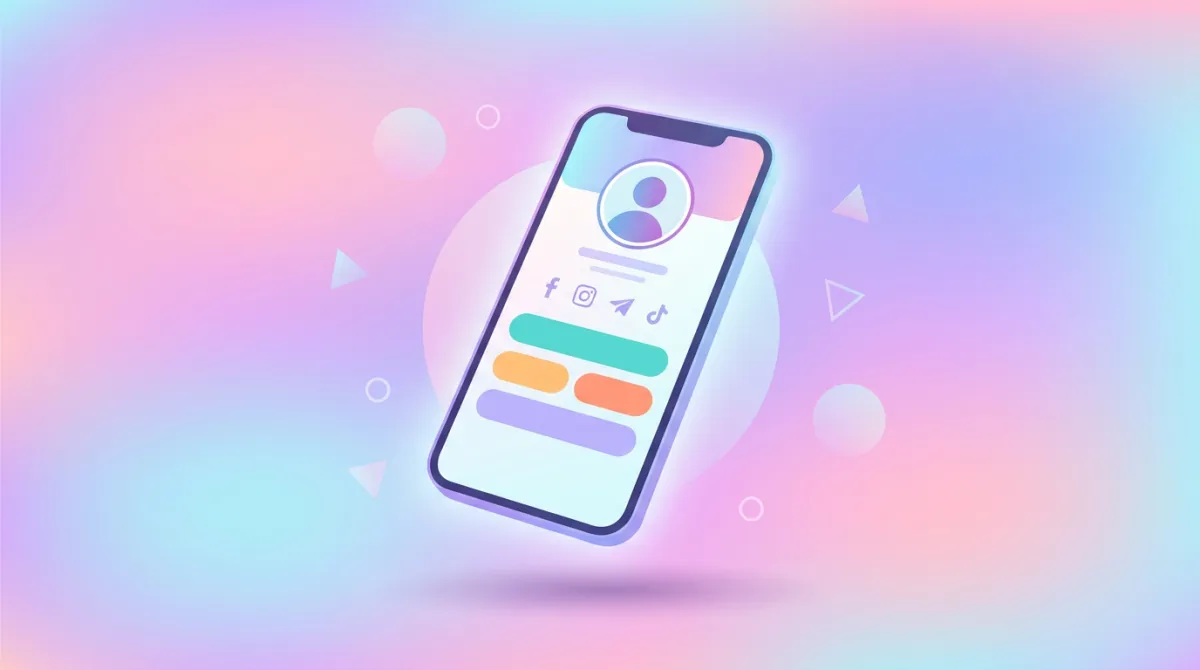
A link-in-bio page is a simple, customizable web page that acts as a hub for all your important links and information. You put this single URL in your social media bios, email signatures, QR codes, and NFC cards — and it takes visitors to a page where they can find and access everything you want to share.
A typical link-in-bio page includes:
- Your name and photo — so visitors know who you are
- Social media icons — quick links to your profiles
- Buttons and links — to your website, portfolio, booking page, or any URL
- Contact information — phone, email, address with click-to-action
- Content blocks — text, images, or embedded media
Who Needs a Link-in-Bio Page?
Professionals and freelancers
If you're a consultant, designer, photographer, lawyer, doctor, or any professional who networks — a link-in-bio page replaces the stack of information you'd otherwise need to communicate manually. One link covers your portfolio, booking page, contact details, and social presence.
Businesses and companies
Companies use link-in-bio pages as mini landing pages. They're perfect for sharing company info, contact details, location, social media, and key links — all in one branded page. Multiple employees can have their own pages under the company brand.
Creators and influencers
Content creators need to direct followers to multiple destinations — merch store, YouTube channel, latest video, sponsor links, Patreon. A link-in-bio page organizes all of this.
Event organizers
Conferences, meetups, and events benefit from a single shareable page with schedules, venue info, registration links, and sponsor information.
Link-in-Bio vs Digital Business Card
The terms overlap, but there's a distinction:
- A link-in-bio page is primarily a link hub — a collection of clickable links and content
- A digital business card focuses on professional identity — contact info, vCard saving, Apple & Google Wallet cards, NFC sharing
Modern platforms combine both. MagicLink, for example, gives you a fully customizable link-in-bio page that also functions as a digital business card — with QR codes, Apple & Google Wallet cards, NFC card support, and one-tap contact saving.
How to Create a Link-in-Bio Page
Step 1: Choose a platform
Look for a platform that offers:
- Customizable design (not just a plain list of links)
- Multiple sharing options (QR code, link, Apple or Google Wallet card)
- Contact saving features (vCard)
- Analytics to track visits and clicks
- Free plan to get started
Step 2: Set up your profile
Add your photo, name, title, and a short bio. This is the first thing visitors see, so keep it clear and professional.
Step 3: Add your links and content
Add buttons for your most important links — website, portfolio, booking page, phone, email. Use icons for social media profiles. Add any additional content like text blocks or images.
Step 4: Customize the design
Choose a template or customize colors, backgrounds, and fonts to match your personal or company brand.
Step 5: Share everywhere
Put your link-in-bio URL in your:
- Instagram, TikTok, LinkedIn, and other social media bios
- Email signature
- QR codes on printed materials
- NFC business cards
- Apple or Google Wallet card
What Makes a Good Link-in-Bio Page?
- Clear hierarchy — most important links first
- Professional design — matches your brand identity
- Working links — test everything
- Contact accessibility — make it easy for people to reach you
- Mobile-friendly — most visitors come from phones
- Fast loading — don't overload with unnecessary elements
The Bottom Line
A link-in-bio page is one of the simplest and most effective tools for your online presence. Whether you're a freelancer, a company, or a creator — having one central page with all your links and contact info makes you easier to find, contact, and remember.
Platforms like MagicLink take this further by combining the link-in-bio concept with digital business card features — Apple & Google Wallet cards, NFC cards, vCard contact saving, and full design customization. It's not just a link page — it's your digital professional identity.